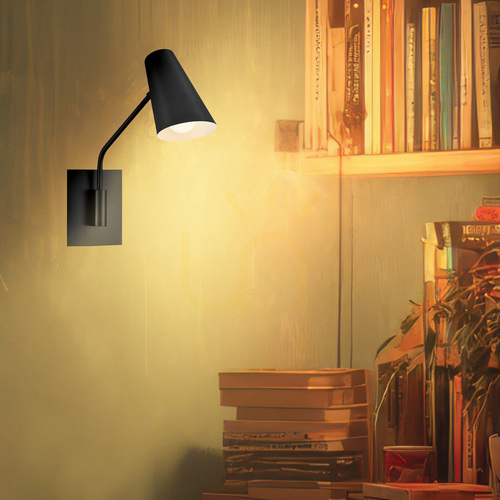
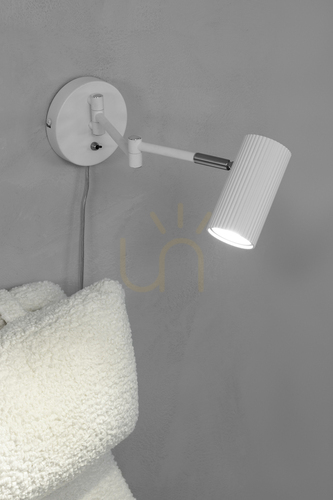
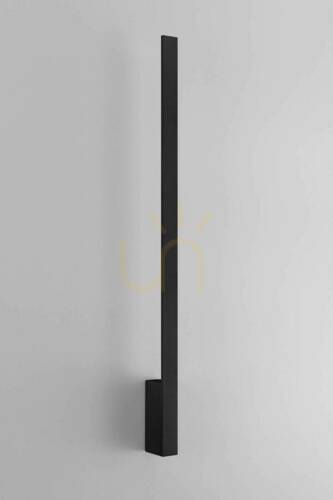
A wall mounted desk lamp is a task light fixed to the wall beside or above your desk, aimed at the work surface rather than the room. It does the job of a desk lamp without a base, a weighted foot or a cable snaking across the top, which matters when a laptop, a second screen and paperwork already fight for space.
What separates it from an ordinary wall light is direction. A decorative sconce washes the wall; a desk light has to put a pool of light on the keyboard and the page, from the correct side and at a height that keeps the bulb out of your eyes.
The main types
-
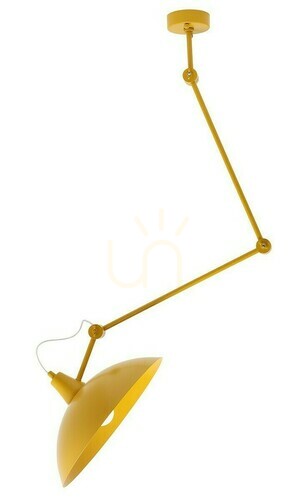
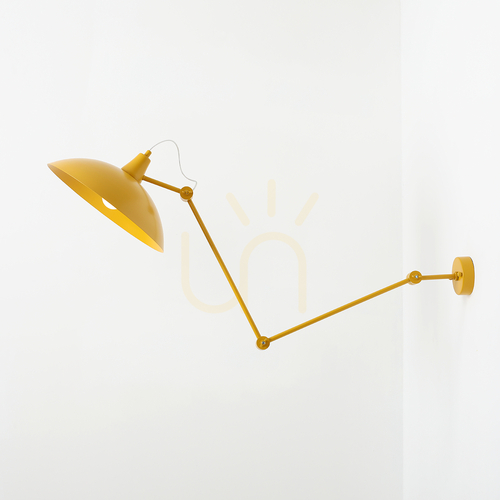
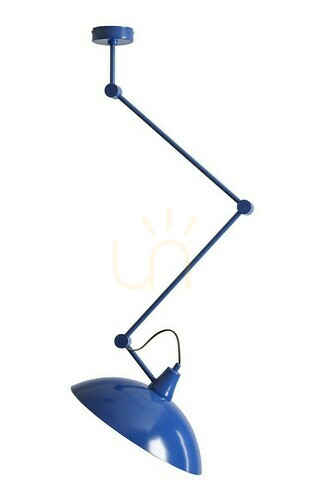
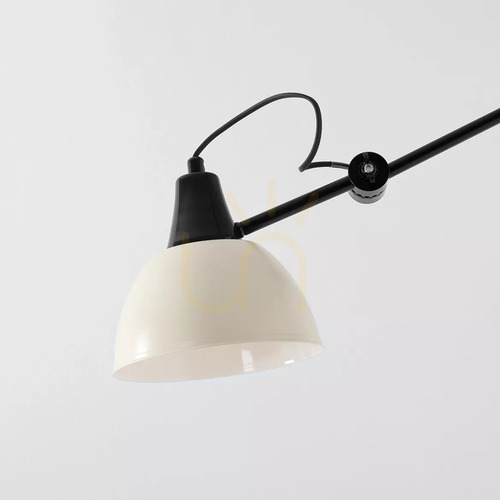
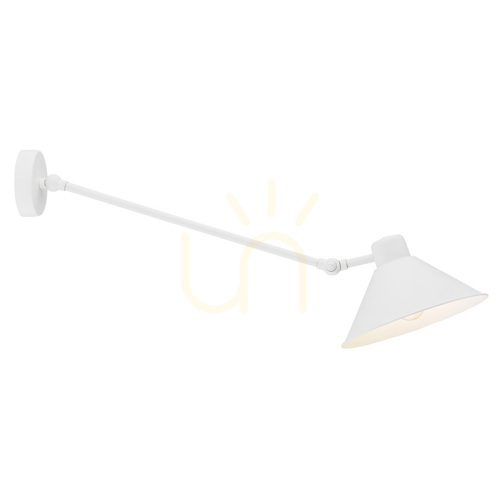
Swing-arm wall lights – one or two hinged sections let you pull the light forward over the desk and push it back against the wall when you are done. The most adaptable choice for a home office.
-
Gooseneck or flexible-arm lights – slimmer than a swing arm, easy to bend into position, a good fit for narrow desks and children's study corners.
-
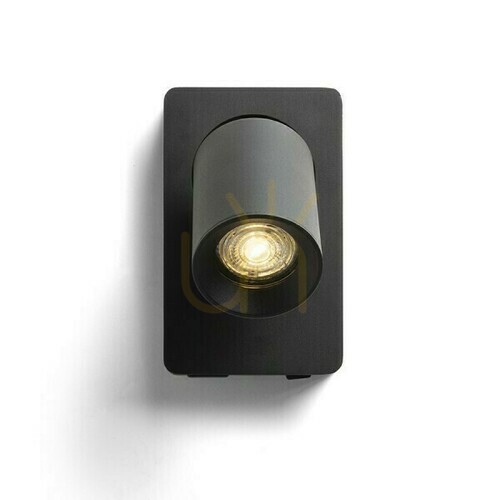
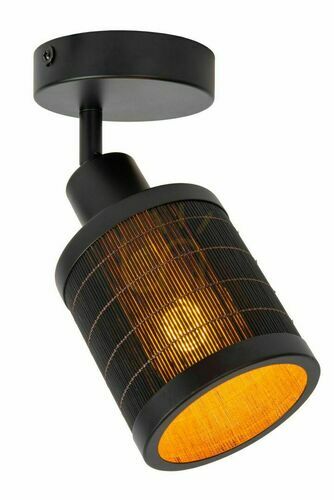
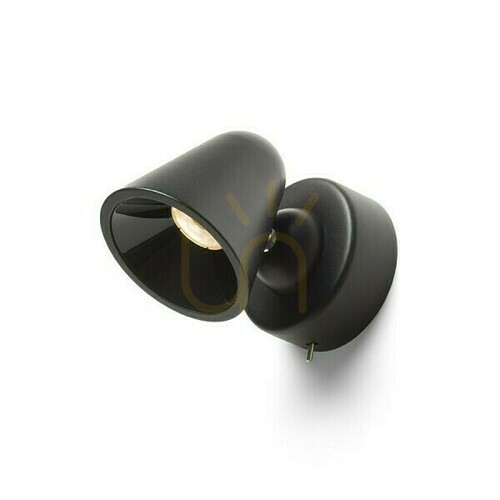
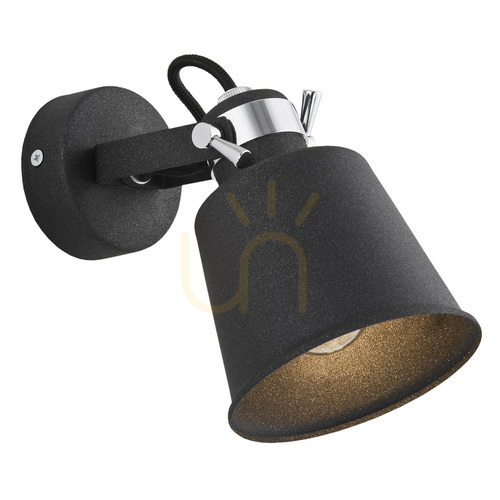
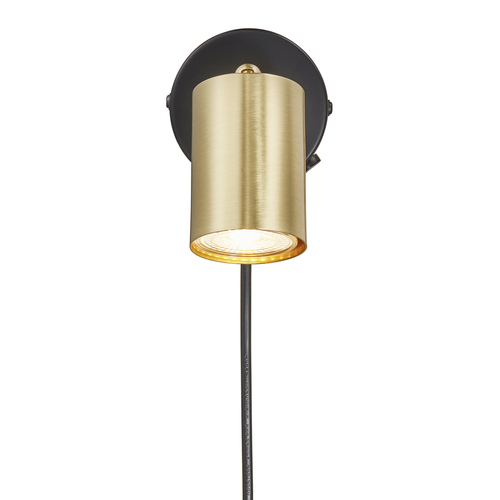
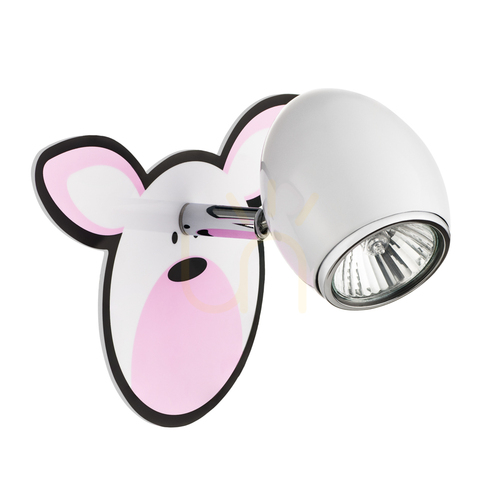
Adjustable spotlights – the body stays put, only the head tilts and swivels. Neat to look at, with less reach.
-
Fixed downlighters – a shade pointing downwards over the desk. Tidy, but they have to be positioned precisely because you cannot steer them later.
-
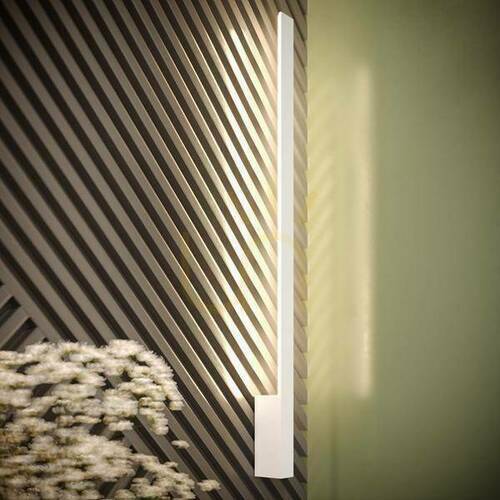
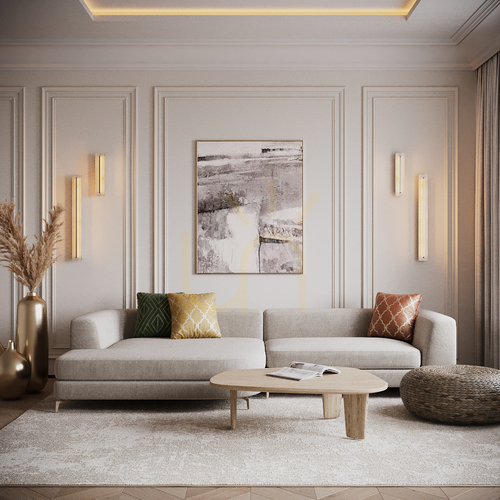
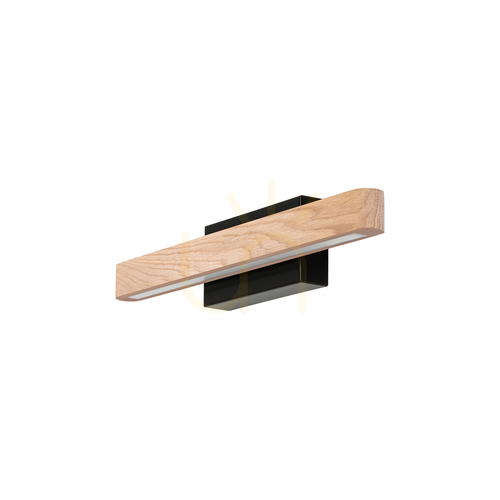
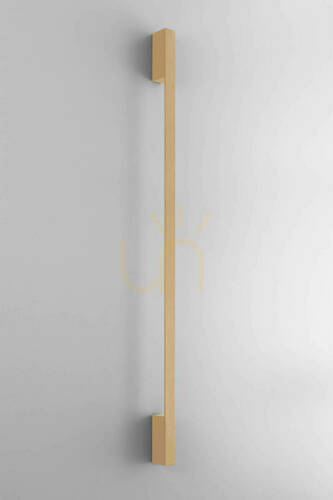
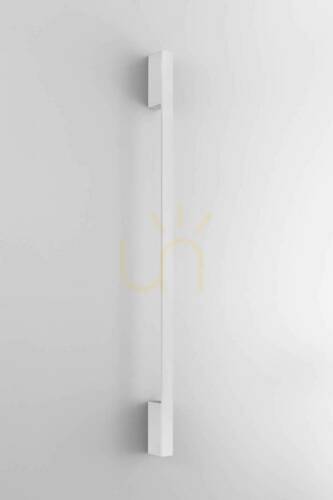
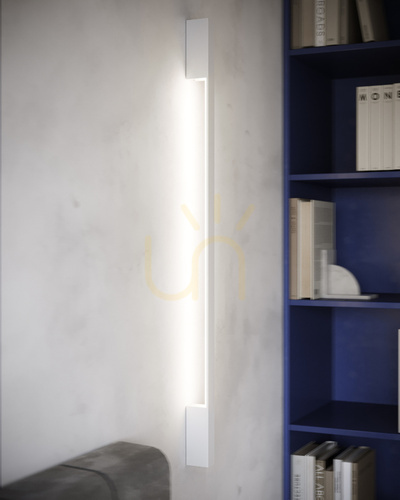
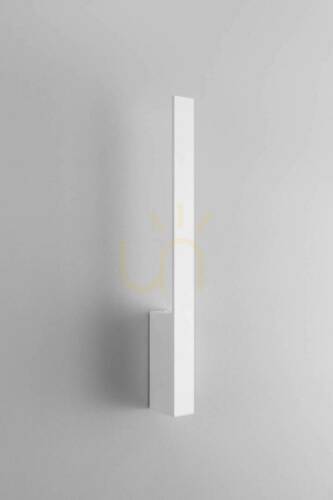
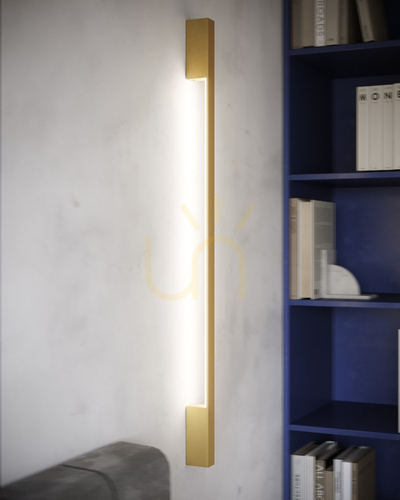
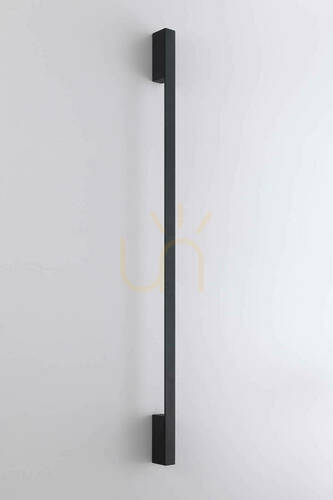
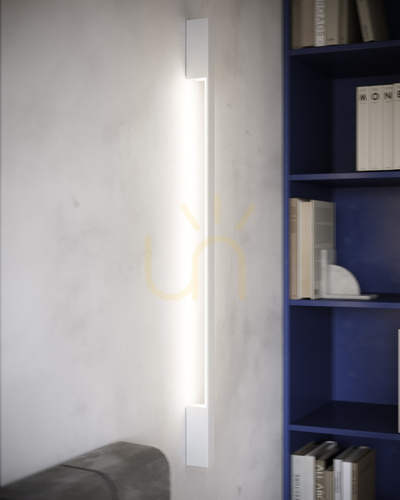
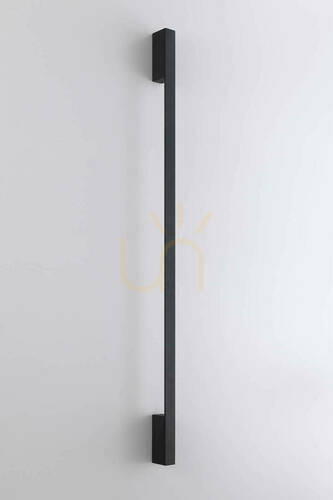
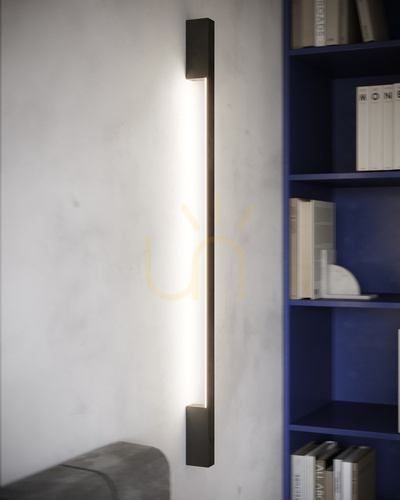
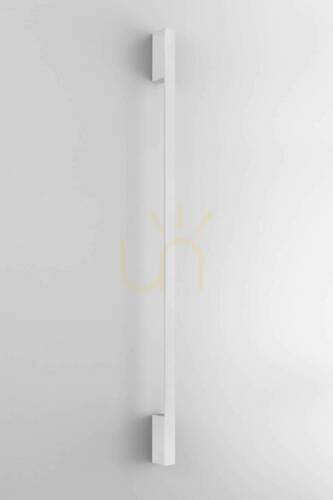
Picture-light style bars – long, slim fittings that spread light evenly across a wide desk or along a shelf above it.
Up-and-down wall lights and wall uplighters give a lovely glow but very little useful light on the desktop. Treat them as a companion to a task light, not a replacement.
Plug-in or hardwired?
Few homes have a lighting point above the desk, and that decides most purchases. A plug-in wall light comes with a lead, a plug and a switch, either inline on the flex or on the fitting itself: two screws and wall plugs hold it up, and it runs from the socket under your desk. UK plugs carry a fuse, usually 3 A on a lamp lead, and most plug-in wall lights are Class II, double insulated, so they need no earth. Run the flex down the wall in a slim cable channel so it doesn't dangle or catch the back of your chair. For renters this is usually the only sensible option.
A hardwired fitting needs a new connection in the wall. Fixed wiring has to meet BS 7671, and some jobs, such as adding a new circuit, are notifiable under Part P in England – hand it to a registered electrician. Whoever does it, the circuit is isolated at the consumer unit first. Solid brick needs a hammer drill and the right plugs; on plasterboard use cavity fixings, because a long swing arm acts as a lever on its bracket.
How to choose: the numbers that matter
The European workplace standard EN 12464-1, published here as BS EN 12464-1, suggests around 500 lux on the task area for reading, writing and screen work, with a colour rendering index of at least Ra 80. A home study does not need a light meter, but these typical values are a sound starting point:
| What to check |
Typical for a home office desk |
Why it matters |
| Bracket height |
usually 40–60 cm above the desktop, so about 115–135 cm from the floor on a 72–76 cm desk |
too low and it dazzles, too high and the light spreads thin |
| Reach of the arm |
enough to bring the head over the keyboard, roughly half the desk depth |
a short arm lights the back of the desk and leaves the front dim |
| Brightness |
roughly 400–800 lm from a directional head |
enough for a desk 100–140 cm wide; a fabric shade needs more |
| Colour temperature |
4000 K for daytime work, 2700–3000 K in the evening |
neutral white helps focus, warm white winds you down |
| Power |
plug-in lead with a 3 A fused plug, or a hardwired wall point |
decides whether you need an electrician at all |
| Switching |
inline switch, rocker on the fitting, touch or dimmer |
you should reach it from the chair without standing up |
Most fittings take an E27, E14, GU10 or G9 bulb, or have integrated LED; LED keeps the shade cool close to your head. Aim for Ra 80 at least, Ra 90 if you work with paper, photos or fabric swatches. A dimmer or adjustable colour temperature earns its keep at a desk. Crisp neutral light suits a grey winter morning; once the laptop is closed, a lower, warmer setting is far easier on the eyes.
Placing it around a monitor
The classic mistake is centring the light above the screen. It reflects straight off the display, and on a glossy panel you get a bright hotspot exactly where you are trying to read. Mount the fitting to one side of the monitor and aim it at the keyboard and documents instead – on the left for right-handers, on the right for left-handers, so your writing hand doesn't shade the page. Ideally the window should be to your side as well, not behind the screen or behind you. If the bulb is visible from your chair, choose a deeper shade or angle the head down until it disappears.
Common pitfalls and care
- Check for flicker by looking at the light through your phone camera. Dark bands rolling across the screen point to a poor driver or an incompatible dimmer.
- Don't work with the desk light alone in a dark room. The contrast between a bright desk and a black background tires your eyes over a long session.
- Arm joints loosen with use; most have a tension screw you can tighten in a minute.
- Unplug or switch off before cleaning, and wipe the shade and reflector with a dry or barely damp cloth. Dust on a reflector dims the light more than you'd think.
FAQ
What makes a good wall mounted desk lamp?
Direction first: an arm or head you can steer onto the keyboard and the page, and a shade deep enough to hide the bulb from your eyes. After that, roughly 400–800 lm, neutral or adjustable white, and a switch you can reach from the chair. A stiff joint matters more than looks: a sagging arm drifts out of position.
Can I get a plug-in wall light for a desk?
Yes, and it is the usual choice. The same plug-in wall lights people fit beside the bed work over a desk. Choose a lead long enough to reach the socket without an extension.
Are battery-operated or rechargeable wall lights bright enough for a desk?
For a quick note or a bedside read, often yes, and the lightest ones go up with adhesive pads or magnetic plates instead of drilling. For hours of screen work they tend to be dimmer and need frequent recharging. A swing-arm or mains-powered fitting is heavier and puts leverage on its fixings, so screws and proper wall plugs are the safe choice.
Is a USB socket on a wall light worth having?
On a desk it is handy: a phone or headphones charge straight from the fitting, with no extra adaptor on the desktop.
How high should a wall light be above a desk?
Usually 40–60 cm above the desktop. With a swing arm, the bracket can sit a little higher because the arm brings the light down to where you need it.
Do I need an electrician to fit one?
Not for a plug-in model. For a hardwired fitting on a new wall point, yes – use a registered electrician so the work meets current wiring regulations.
More on choosing wall lights for living rooms, bedrooms and hallways: wall lights. If you are still deciding between a wall fitting, a pendant and a desk lamp, read about over-desk lighting as a whole.