Light switches make everyday lighting easy to use: a clear control by the door, a discreet touch point under a shelf or a wireless button beside the bed. The right choice starts with the lighting circuit and the way you want to operate it. A mains wall switch, a low-voltage LED switch and a DALI control may all turn lights on, but they perform that job in different ways.
A light switch is a device that changes the operating state of a lighting circuit or sends a command to compatible lighting equipment. That distinction matters when comparing a complete wall control with a relay module, a battery-powered button or a small sensor for furniture lighting. A matching colour or similar-looking faceplate does not make the devices interchangeable.
Plan the controls around the room
Think about the moments when you need the light. At an entrance, a simple, easily recognised action is useful. At a bedside, a separate control can save a trip across the room. Under kitchen cabinets, a touch-free control keeps the operating point close to the task. In a larger space, individual groups can provide general light, task lighting and a quieter evening setting.
Write down which fittings belong together before choosing the number of buttons. Several luminaires can be one lighting group, while one multi-function fitting may need different commands. A scene button can recall a combination of settings rather than operate one electrical output. Planning these functions first helps avoid a stylish panel whose controls are difficult to remember.
Local operation deserves as much attention as app features. Someone visiting the room should be able to find a useful light without installing software. For an accessible layout, consider whether the control is easy to reach, easy to distinguish from adjacent buttons and understandable without a label hidden in an app. These are practical differences that stay relevant after the initial set-up.
Wall switches, modules and wireless buttons compared
| Control type |
Typical role |
Important checks |
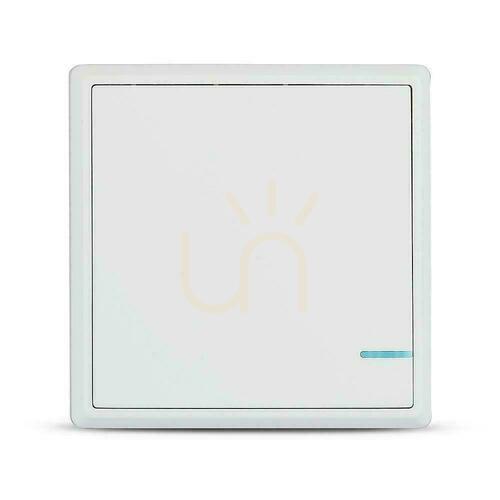
| Mains wall switch |
Switches a suitable lighting load from a fixed position |
Circuit arrangement, supply requirements, load rating and mounting box |
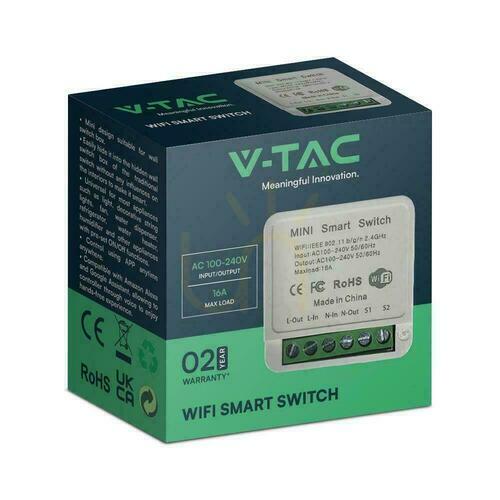
| In-wall relay module |
Switches the circuit behind a local control or through a compatible system |
Space for the module and wiring, input type and neutral requirements |
| Wireless button |
Sends commands to a receiver, hub or compatible light |
Radio protocol, pairing method, power source and system compatibility |
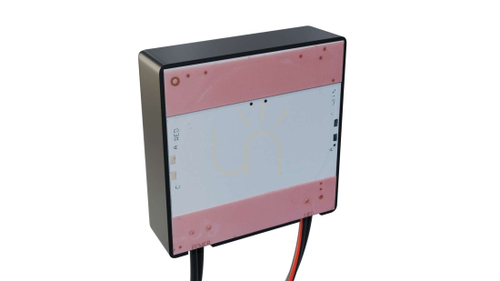
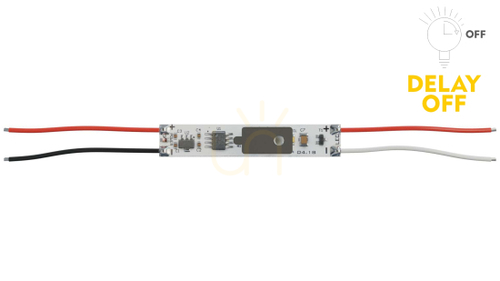
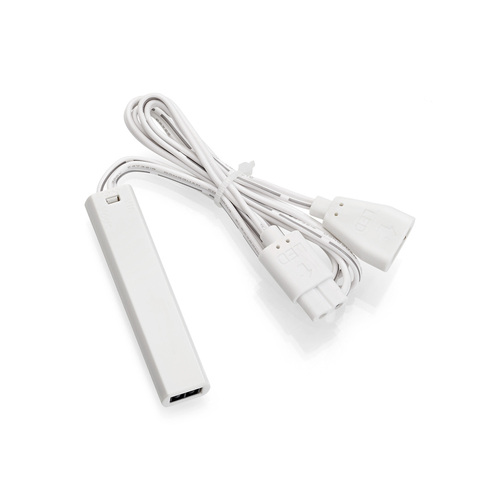
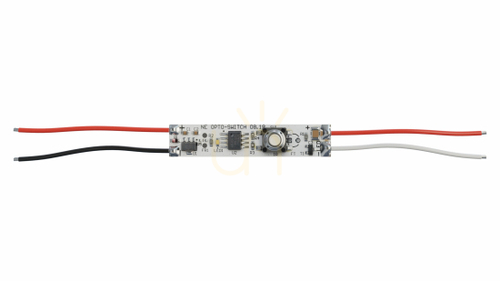
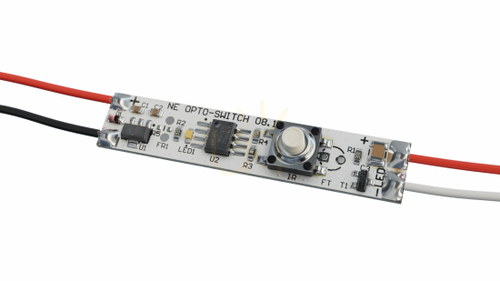
| Furniture or LED-strip switch |
Provides local control for a cabinet or low-voltage lighting arrangement |
AC or DC supply, voltage, output current and sensor mounting conditions |
| DALI button or rotary control |
Operates lighting through a DALI installation |
Device role, bus supply, commissioning and supported functions |
A wireless button does not supply power to the lamp. A relay module is not necessarily supplied with the wall plate used to control it. Likewise, a DALI control does not connect directly to an ordinary bulb as if it were a conventional mains switch. Check the complete control path, including any receiver, driver or interface needed between the visible button and the light.
Understanding gangs, ways and programmed functions
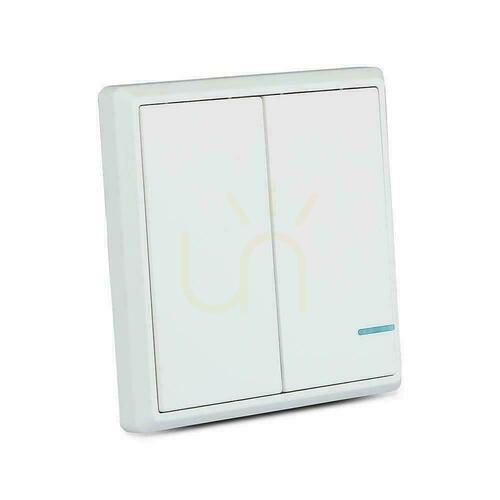
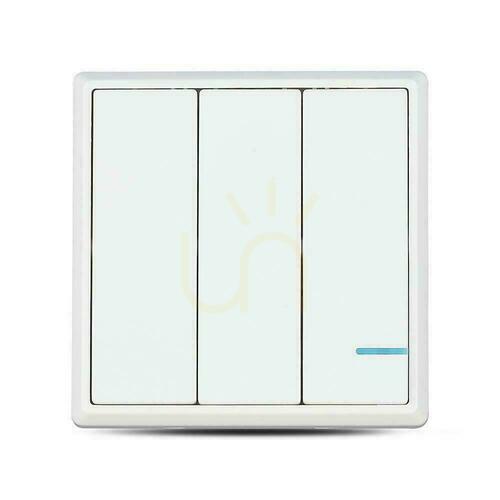
In UK terminology, the number of gangs describes the number of separate controls on a plate. A two-gang plate provides two operating points on the same faceplate. The term “way” concerns the switching arrangement, including operation of a lighting group from more than one position. These descriptions help identify conventional mechanisms, but they should not be used to guess the functions of an electronic scene panel.
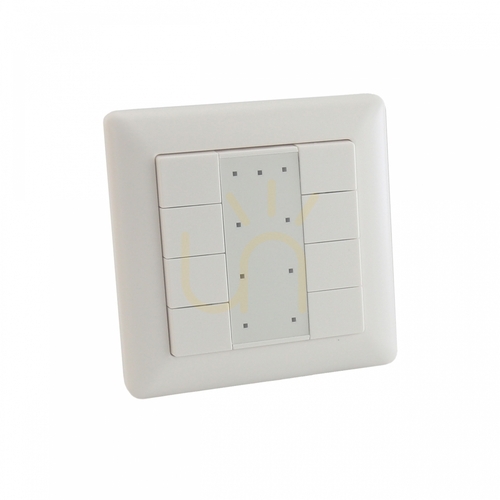
A panel with several touch areas might send programmed commands instead of switching that many mains circuits. Similarly, a multi-channel relay may have individual channel limits as well as an overall limit. Read the product's function description and electrical diagram together. The number of visible keys is only part of the specification.
A momentary or retractive button returns after it is pressed. A maintained switch holds its selected contact state. Some lighting controllers accept a short press for on/off and a longer press for dimming, but that behaviour depends on the equipment connected to the button. A spring-return key alone does not provide a dimming function.
Supply voltage and LED load ratings
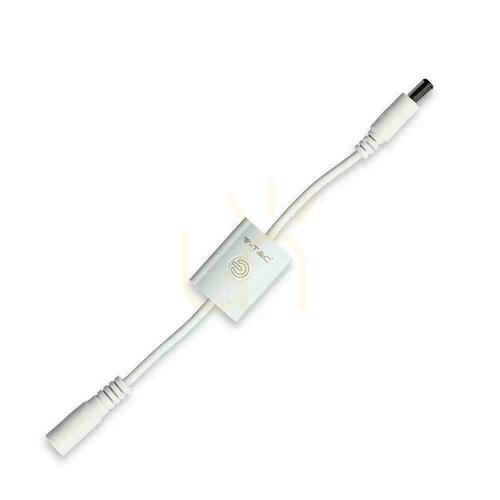
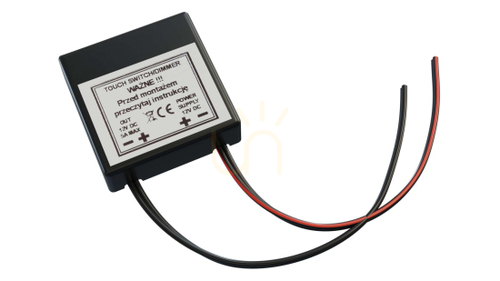
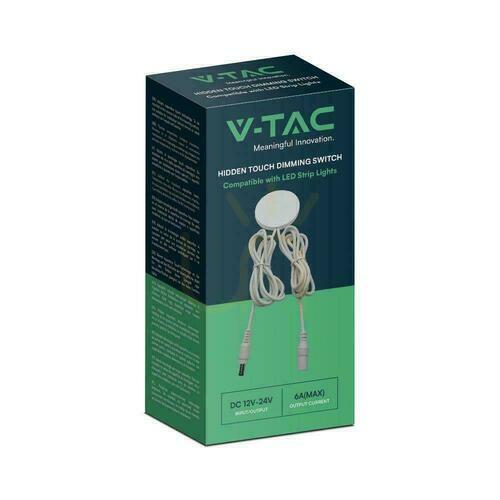
The supply marked on the control must suit the intended installation. Devices intended for 12 V or 24 V DC lighting belong to a different electrical arrangement from controls operating at mains voltage. A low-voltage strip switch normally works with an appropriate power supply and compatible strip; its rating does not allow it to be used as a mains wall mechanism.
For DC equipment, voltage and current must be considered together. As an illustration, a 4 A output corresponds to 48 W at 12 V or 96 W at 24 V when the device is designed for those conditions. This explains how the units relate; it is not a rating shared by every switch. Always use the actual specification and check whether a limit applies to each channel or the complete unit.
LED drivers can create a different switching load from traditional lamps. Their start-up behaviour is one reason a manufacturer may state a separate LED rating. A headline rating for another type of load should not be carried across to LED lighting without confirmation. A qualified electrician should assess the complete circuit, including protection and the connected equipment.
Do not treat a control's maximum rating as a target to reach. The permitted installation conditions, temperature and manufacturer's guidance still apply. When several strips or drivers are added together, the relevant total includes everything controlled by the same output. Adding more light later can change the suitability of a previously adequate module.
Back boxes, neutral conductors and faceplate fit
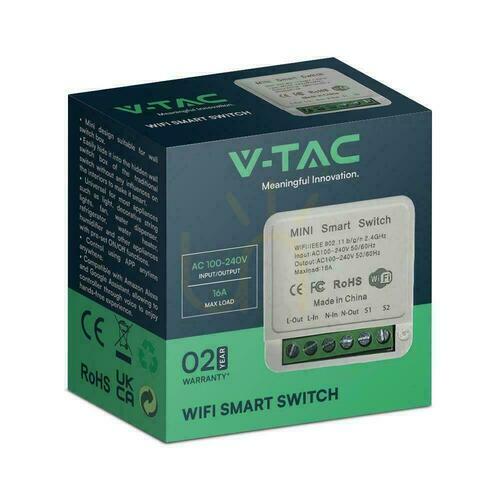
Electronic wall controls and in-wall modules can have particular wiring requirements. Some need a neutral conductor at the mounting position; other designs work differently and may impose their own restrictions on connected lamps. The presence of a neutral cannot be assumed from the age of the property or the appearance of the existing switch. Have the wiring identified before selecting the replacement.
Physical fit is more than the size of the front plate. The back box must accommodate the device, connections and a suitable arrangement of conductors. A compact module may still need more space than is available behind an existing mechanism. Where several devices share an enclosure, their mounting and operating conditions should be checked together.
Decorative fronts and frames are often part of a particular system. A similar nominal size is not proof that different ranges fit together. Confirm whether the item is a complete control, an insert or a cover, and which components are needed to finish it. This is especially useful when a photograph shows a fitted example rather than everything included with the individual part.
Touch and touch-free controls for furniture lighting
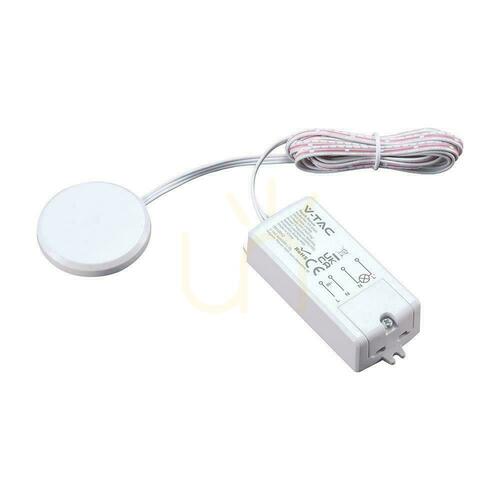
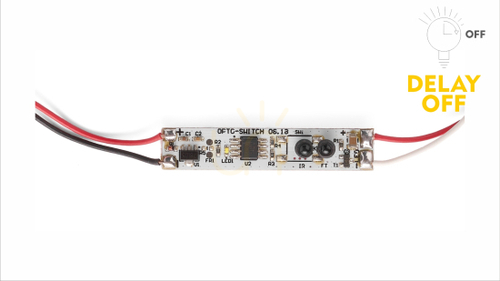
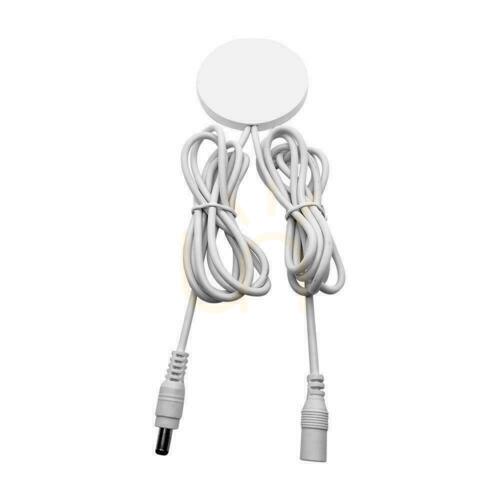
Cabinet lighting often benefits from an operating point built into the furniture. A touch control may use a visible pad, a metal contact or a sensor concealed behind a permitted surface. A proximity control can respond to a hand gesture. A door-operated sensor has a different purpose: it responds to the position of a cupboard front. Choose the sensing method for the actual task rather than the word “sensor” alone.
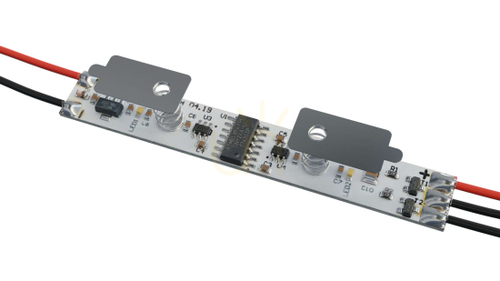
Concealed touch sensors have limits on the material and thickness through which they can operate. A unit intended for a timber panel need not work through a metal top, and an extra decorative layer can affect the installation. A switch designed to fit inside an LED profile may also depend on the profile and diffuser arrangement. The manufacturer's mounting conditions are the useful reference.
Think about normal hand movements. A gesture sensor placed beside a frequently used drawer may be triggered differently from one located under a shelf. Provide access for adjustment or maintenance and avoid building a replaceable electronic component permanently into an inaccessible cavity. The neatest visible result should still be serviceable.
Wireless light switches and smart controls
Wireless is a method of communication, not a universal compatibility mark. Wi-Fi, Bluetooth and other radio systems have different requirements. Two products that use related terminology may still need a particular receiver, a hub or a compatible application to work together. Confirm the supported system and the functions available without a cloud connection.
A battery-powered button can provide an extra control position without a cable to that button, but the receiver and lighting still require suitable power. Check access to the battery compartment, the pairing process and the position in which the button can be mounted. Radio range quoted for open space may be reduced by walls, floors and metal furniture.
Useful questions for a smart arrangement include what happens after a power cut, whether local controls continue to work when the internet is unavailable and how settings are stored. Remote operation can be convenient, but it should complement an understandable room layout. Avoid relying on a shared phone as the only practical way to turn on essential lighting.
DALI controls and lighting scenes
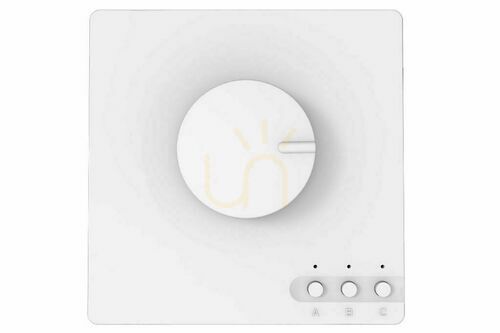
DALI equipment sends lighting commands through a dedicated control arrangement. A rotary control may adjust brightness, while a multi-button device may address groups or recall scenes when the installation supports those functions. The outcome depends on the control gear, device roles, bus power and commissioning. It cannot be inferred from the shape of the wall panel.
Before choosing a DALI control, establish whether you need simple group operation, individual addressing or a programmed scene. The control must suit the intended role and the rest of the installation. A device designed as an input module is not automatically a standalone controller. System planning and configuration should be included in the installation work.
Switching and dimming are separate capabilities
An on/off switch does not necessarily vary brightness. Where dimming is specified, identify the actual method: phase-cut control for compatible mains equipment, PWM for a suitable low-voltage arrangement or a digital interface such as DALI. These are different functions with different connection requirements. “Dimmable” on a bulb or driver does not mean it will respond correctly to every control.
Touch operation is similarly independent of output behaviour. A touch switch might offer only on/off, while another device may store brightness or respond to a long press. Colour-temperature adjustment also needs suitable multi-channel lighting and the correct controller. Confirm each required function separately rather than treating a smart or touch label as a complete specification.
A useful checklist before choosing
- Identify the lighting load and whether it operates from mains or a DC power supply.
- Decide which lights should operate together and where the controls are needed.
- Check voltage, LED load limits and individual channel ratings.
- Confirm the required conductors, receiver, hub, driver or bus equipment.
- Check mounting space, frame compatibility and access for maintenance.
- Choose the required on/off, dimming or scene functions before the finish.
Work on fixed mains wiring, electrical testing and the selection of protective equipment should be handled by a suitably qualified electrician. This guide explains product differences; it is not a wiring diagram. Sharing the selected device's documentation before installation helps establish whether the proposed control suits the existing circuit and mounting position.
Questions about light switches
Can any LED light be used with a smart switch?
No. Check the switch's LED load rating and the fitting or driver's requirements. Smart communication and electrical compatibility are separate matters. A product may support the right app while still being unsuitable for the connected lighting load.
Does a wireless switch need a battery?
That depends on its design. Some wireless controls use a battery, while other devices have a different supply arrangement. The receiver and light also have their own power requirements. Read the specification for each part of the system.
Can a cabinet switch replace a wall switch?
Only if it is explicitly designed for that application and electrical arrangement. A small switch intended for a DC LED strip is not a like-for-like replacement for a mains wall mechanism. The mounting method and ratings must both be appropriate.
Will a touch switch work through a stone or metal worktop?
Only where the manufacturer permits the particular material and thickness. Concealed sensors do not work identically through every surface. Check the approved installation conditions before making a permanent opening or enclosing the sensor.
What does the number of gangs tell me?
For conventional wall accessories, it describes the number of controls on the plate. It does not by itself describe multi-way operation, dimming capability or the programmed functions of a smart scene panel.
Is DALI the same as a normal dimmer?
No. DALI is a lighting control interface used with compatible equipment. A DALI button or knob sends commands within that installation. A phase-cut dimmer changes the electrical waveform supplied to a suitable load. They cannot be exchanged merely because both can adjust brightness.
Why check the neutral requirement before buying?
Different electronic controls use different supply arrangements. A suitable neutral conductor may not be present at the existing switch position. An electrician should identify the wiring and confirm the selected device's requirements.
How should touch-control surfaces be cleaned?
Follow the manufacturer's instructions and avoid forcing liquid into the enclosure. A smooth glass or plastic front does not make the complete control waterproof. The material, ingress protection and fitted installation determine the permitted cleaning method.
Choose a control by its function, electrical compatibility and mounting arrangement. For the supporting parts of a lighting installation, explore the related electrical accessories and compare each component with the requirements of the complete system.