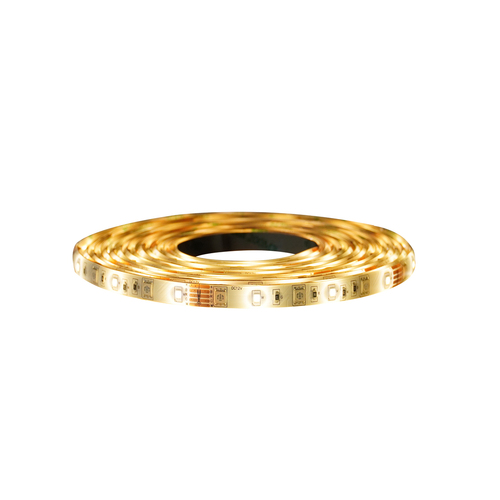
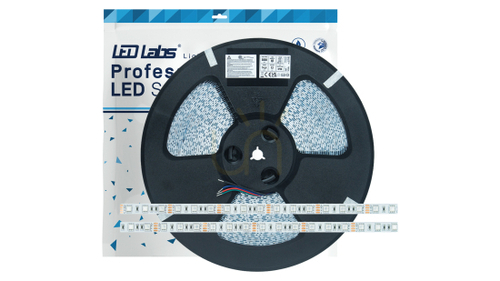
A TV backlight is an LED strip stuck to the back of the television so that it washes the wall behind the screen with soft light. With the main lights off, that glow narrows the gap between a bright picture and a dark room, so your eyes work less and blacks on screen look deeper. Choosing one is not quite the same as choosing a strip for kitchen cabinets: what matters is how it is powered, how long it needs to be for your screen size, and whether the colour should follow the picture.
Are TV backlights a good idea?
For evening viewing, usually yes. Watching in total darkness forces your pupils to keep adjusting to every bright scene, while a ceiling light reflects off the screen and washes out contrast. A dim strip behind the set avoids both: nothing lands on the glass, and the surroundings stay just bright enough to take the strain off. The common rule of thumb is a glow at roughly a tenth of the screen's brightness. Push it brighter than the picture and the benefit disappears.
Colour of light matters too. If you care about accurate pictures, go for white at around 6500 K with a high colour rendering index (CRI 90 or above) – it matches the white point TVs are calibrated to. Warm white at 2700–3000 K feels cosier for a film night but nudges the picture slightly warmer.
Which type of strip suits a TV
-
Plain white – the simplest bias light; pair it with a dimmer.
-
Tunable white (CCT) – slides from warm to cool, so one strip covers both film nights and daytime viewing.
-
RGB and RGBW – colour for football, gaming or parties. Plain RGB mixes white from three colours and tends to look bluish or pink; RGBW adds a dedicated white diode.
-
Addressable – each section can show a different colour, which is what any picture-matching backlight needs.
LED backlight for a TV that changes with the picture
There are two usual ways to read the picture. A small camera clipped above or below the screen watches it and passes the colours to the strip. It works with any source, including the TV's own apps, but there is a slight delay and room lighting can throw the colours off. An HDMI sync box sits between your console, streaming stick or set-top box and the TV and reads the signal directly. It is more accurate, yet it cannot see apps running inside the television. Before buying one, check it passes through the resolution, HDR format and refresh rate you actually use – gamers on a high frame-rate console notice this first.
Sizing the strip to your screen
The strip sits 3–5 cm in from the edge of the casing so it stays hidden from the sofa. For a 16:9 set, rough lengths look like this:
| Screen size |
All four sides |
Top and sides only |
Power that copes |
| 32 inch |
about 1.8 m |
about 1.2 m |
TV USB port |
| 43 inch |
about 2.6 m |
about 1.7 m |
TV USB port |
| 55 inch |
about 3.4 m |
about 2.3 m |
USB or plug-in adaptor |
| 65 inch |
about 4.1 m |
about 2.8 m |
12 V or 24 V adaptor |
| 75 inch |
about 4.8 m |
about 3.2 m |
12 V or 24 V adaptor |
| 85 inch |
about 5.5 m |
about 3.7 m |
12 V or 24 V adaptor |
A TV's USB socket typically supplies around 0.5 A. That is fine for shorter runs and has a neat side effect – the strip switches on and off with the telly. On longer strips the far end visibly dims, so a separate plug-in adaptor gives more even light. Around 4.8 W/m is plenty behind a screen; anything above roughly 9.6 W/m runs warm and belongs in an aluminium profile.
Fitting it: media unit, wall bracket or chimney breast
On a media unit, lighting the top and sides is usually enough – a strip along the bottom edge would only light the unit's surface. A TV on a flat bracket sits close to the wall, giving a tight, intense halo; a tilting or articulating bracket spreads it wider. On a chimney breast or in an alcove, a pale wall gives the most neutral glow, while dark paint swallows much of the light and strong colours tint it.
Clean the back panel with isopropyl alcohol, test the strip before peeling the backing, then press it on in short sections. Cut only on the marked copper pads and bend gently at the corners or use clip-on corner connectors. Keep the strip and controller clear of the ventilation slots. If you want a new socket or hidden mains cable behind a wall-mounted TV, that is fixed wiring and a job for a qualified electrician working to BS 7671; plug-in and USB strips you can fit yourself.
Frequently asked questions
What does the backlight do on the TV?
Inside an LCD or LED television, the backlight is the array of LEDs that lights the panel from behind. A backlight strip on the outside is a separate thing: it only lights the wall and leaves the picture untouched.
Is it worth fixing a TV backlight?
That depends on the set and is a question for a repair shop. An external strip will not cure a dark or patchy screen, because it never shines through the panel.
How long should a TV backlight for a 65 inch screen be?
About 4.1 m to go all the way round, or 2.8 m if you skip the bottom edge.
What is a TV backlight with a sensor?
Either a camera that reads the picture to match colours, or a light sensor that dims the strip as the room gets darker. Check which one a kit means before you buy.
Will a USB-powered backlight stay on in standby?
Some TVs keep their USB ports live in standby, so the strip stays lit until you switch it off with its own remote. Others cut power the moment the set goes off.
Do I need an RF or an infrared remote?
RF works even with the receiver hidden behind the TV. Infrared needs the sensor peeping out where the remote can see it.
For other strip types around the home, see our guide to LED strip lights; for strips that follow the picture section by section, read more about addressable LED strip lights.