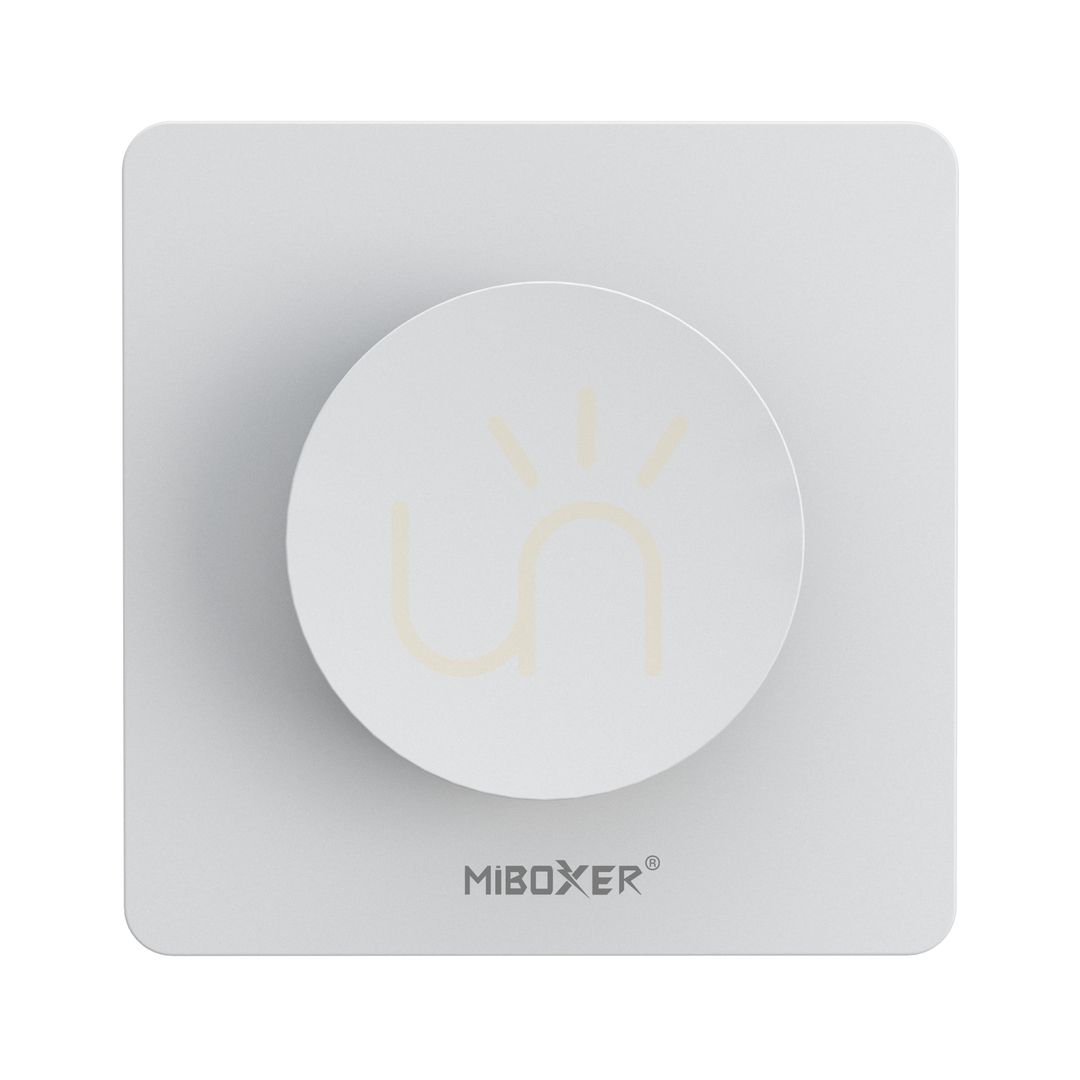
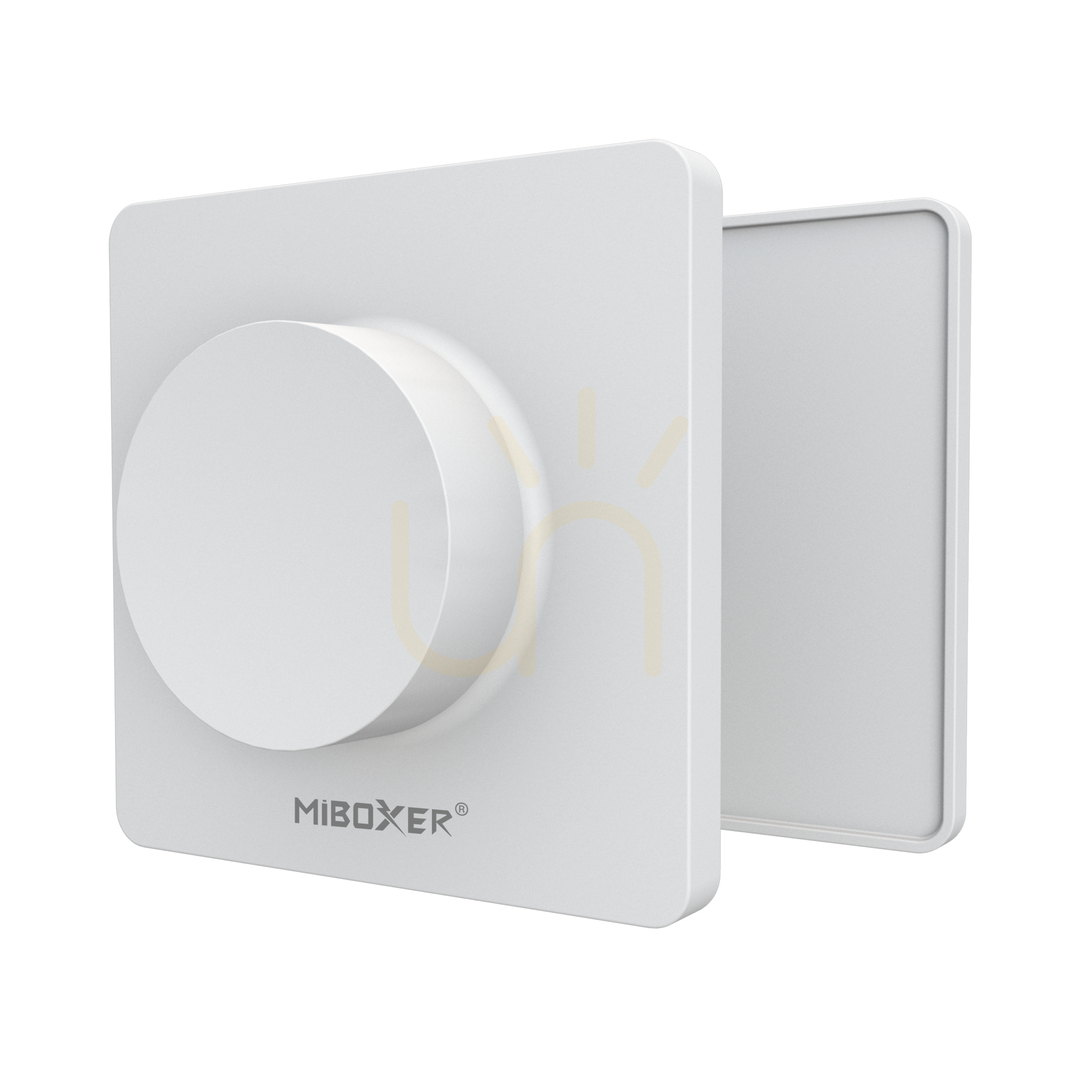
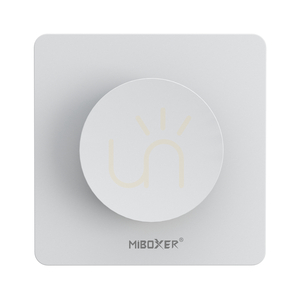
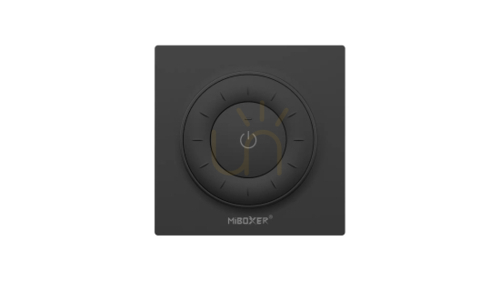
MiBoxer K1 is a white RF panel remote with a round rotary knob for a single zone of MONO/CCT lighting. Its minimalist front combines a square plate with one control for switching and adjusting the light.
Brightness and white-light colour from one knob
A short press switches the light on or off, while turning the knob changes brightness. With the light on, hold the knob until the indicator flashes to enter colour-temperature adjustment. Turning it then changes the shade of white on compatible CCT lighting. The remote leaves this mode after 3 seconds without input.
Holding the knob while the light is off activates night-light mode. The panel works with compatible MiBoxer/Mi-Light 2.4 GHz single-colour and CCT products, so check the receiving device as well as the LED strip before choosing it. One remote can operate multiple linked lights together.
Size and magnetic mounting
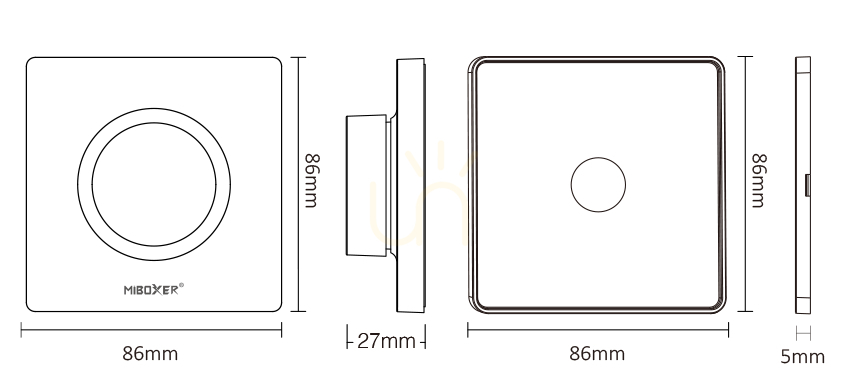
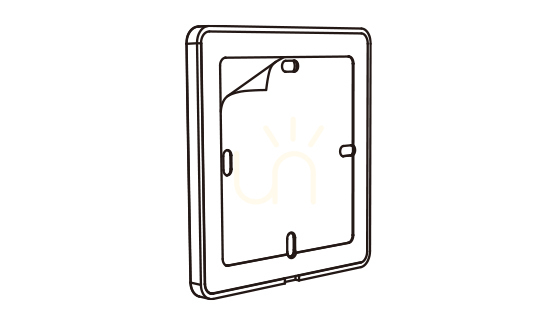
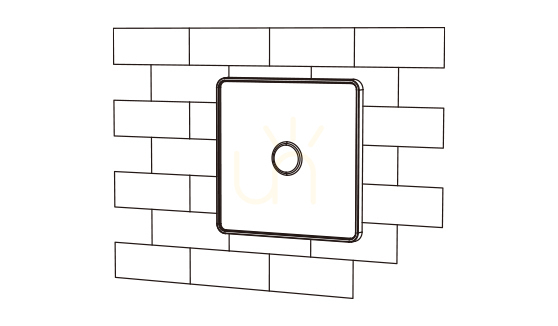
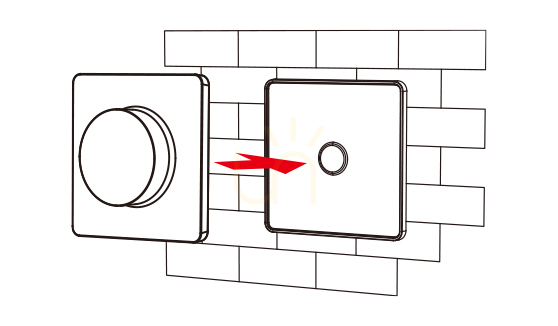
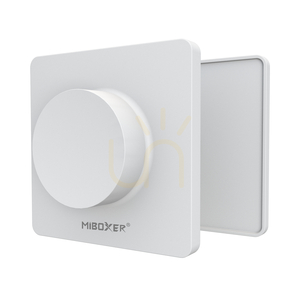
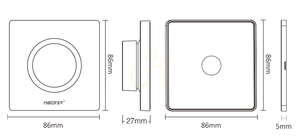
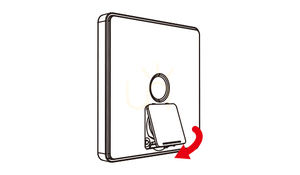
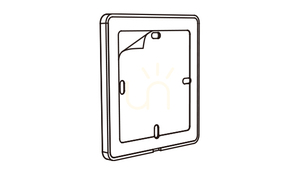
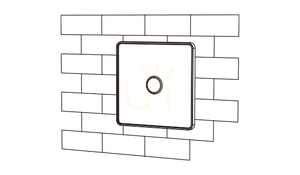
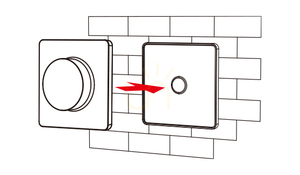
The panel measures 86 × 86 × 27 mm. Compare that footprint and the projecting knob with the space available on your wall. Peel the protective backing from the holder and stick it in position; the panel then attaches magnetically. It can be lifted away without peeling the holder off the wall.
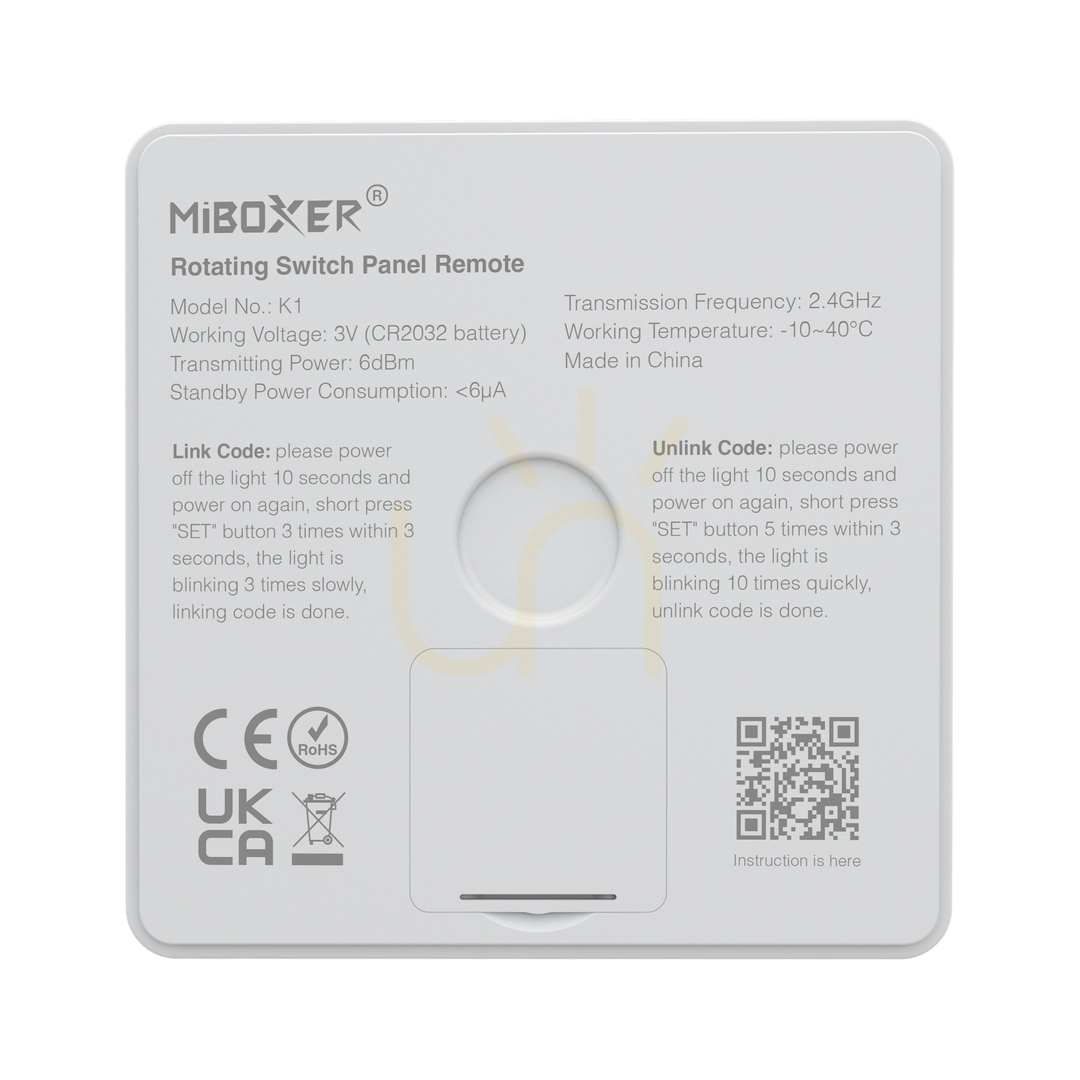
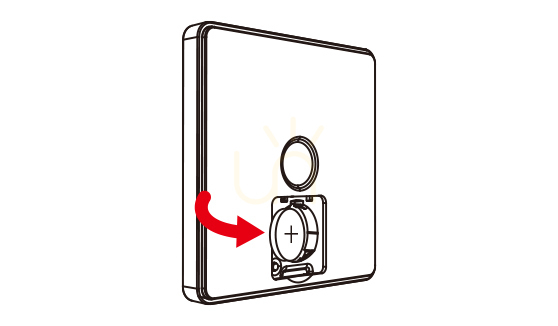
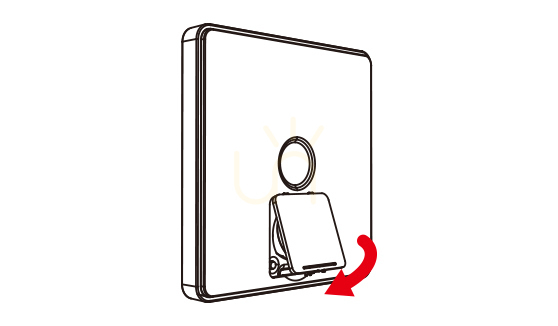
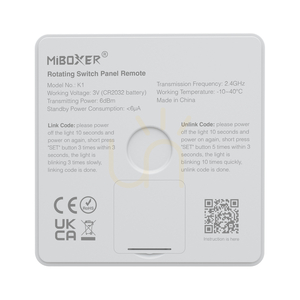
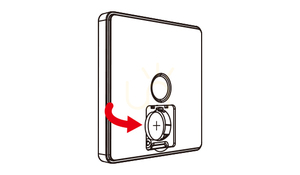
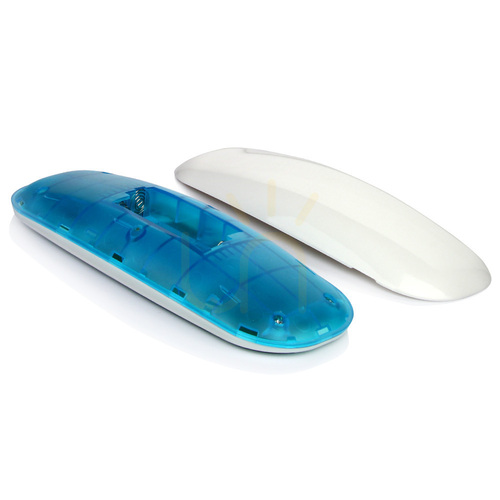
Power requires a CR2032 battery supplying 3 V DC, so no power cable needs to run to the panel itself. The manufacturer specifies dry indoor conditions and an operating temperature of -10 to 40°C. Avoid large metal surfaces and strong electromagnetic interference when positioning it, as these can reduce the stated control distance of up to 30 m.
Linking before first use
The light responds after it has been linked. Following the manual, switch its power off for 10 seconds, restore power and press SET 3 times within 3 seconds. Three slow flashes from the light confirm successful linking. The SET button is on the rear beside the battery compartment; this procedure uses that button rather than the front rotary knob.